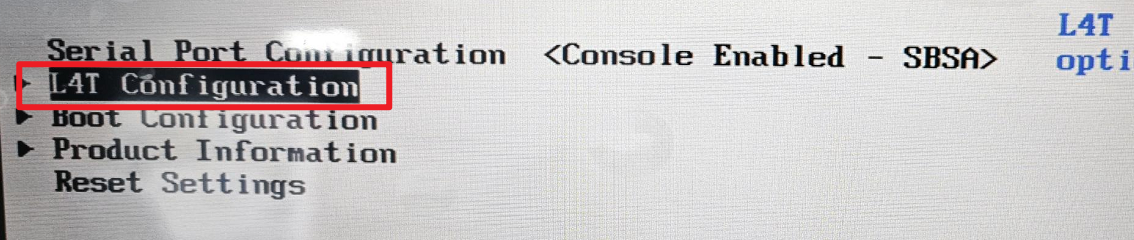

AI jetson starter kit can not enter the system

solutions:
A. First make sure you use our SD card or a SD card flashed with our image. you can find our image here:
https://github.com/Elecrow-RD/AI-Starter-Kit-for-Jetson-Orin-Nano-with-Common-Board-design
B.. if your Jetson failed to start with our SD card or a SD card flashed with our image, please modify the settings as follows:
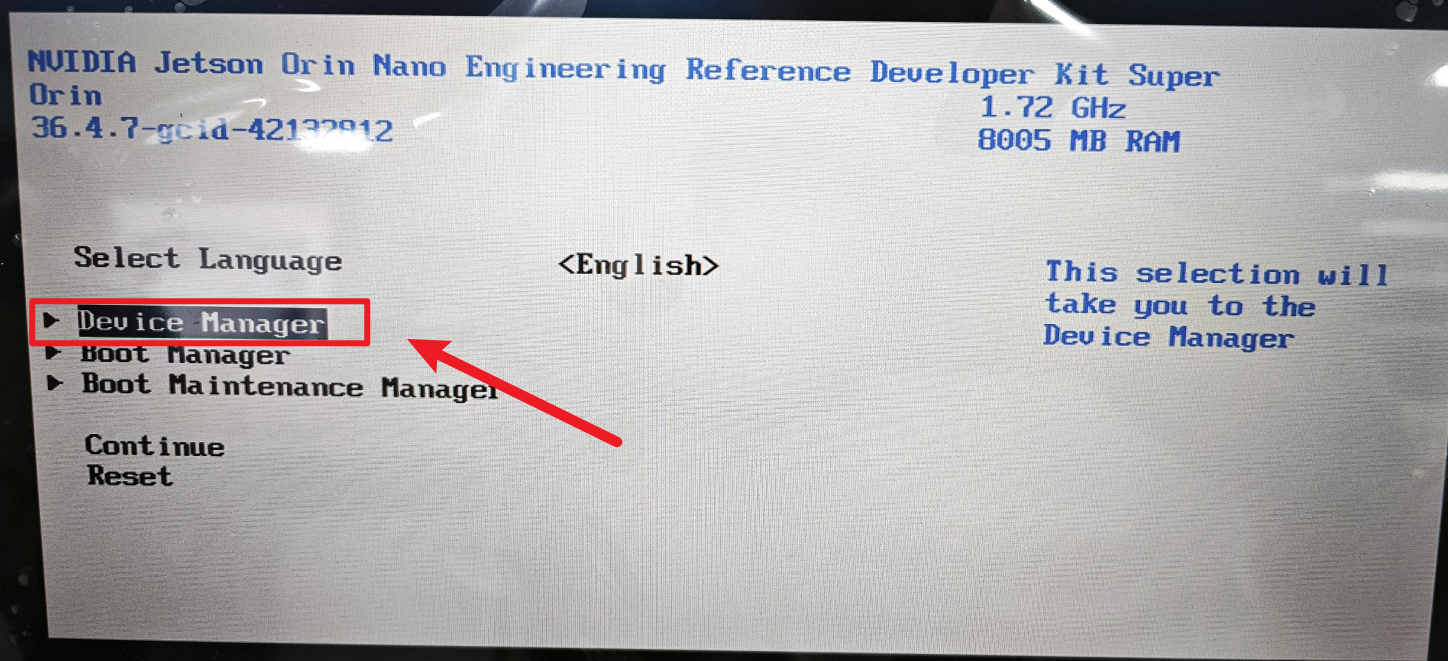
After powering on the Jetson, press and hold the ESC key to enter settings. Use the arrow keys to select Device Manager and press Enter.
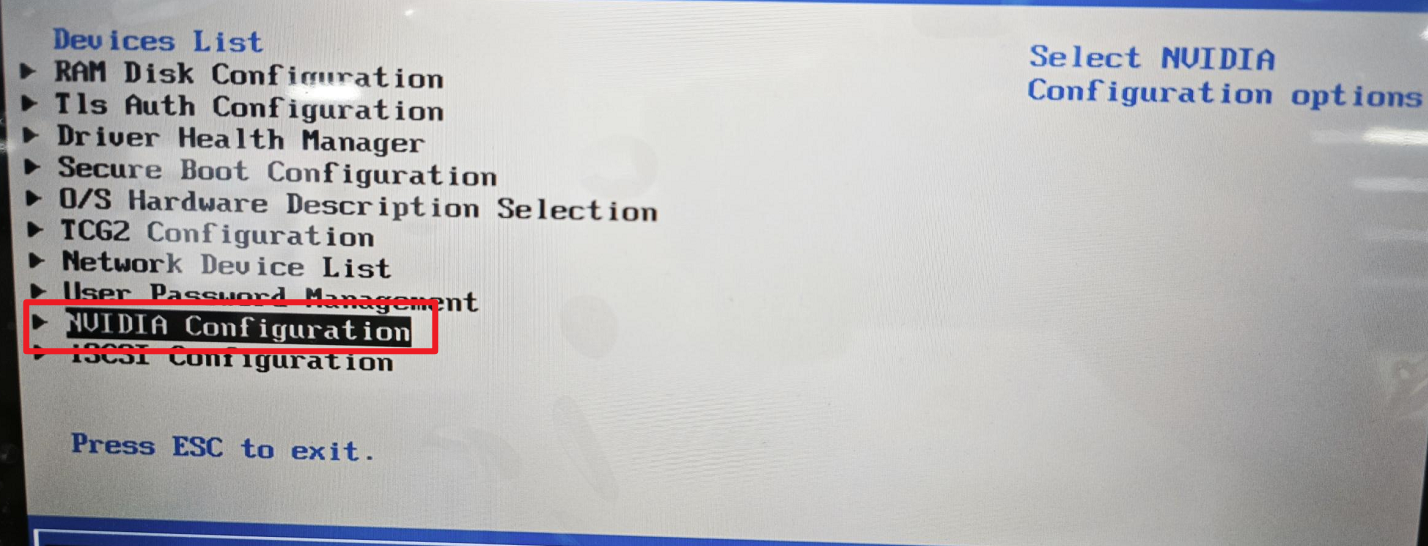
Select NVIDIA Configuration.
Select L4T Configuration.
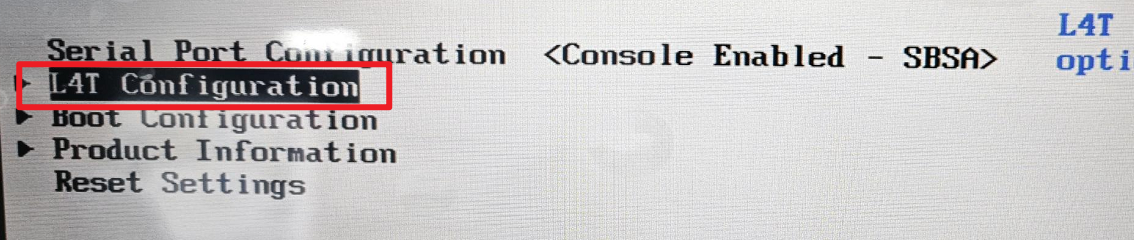
Change "A status" to "Normal," save the settings, and restart.