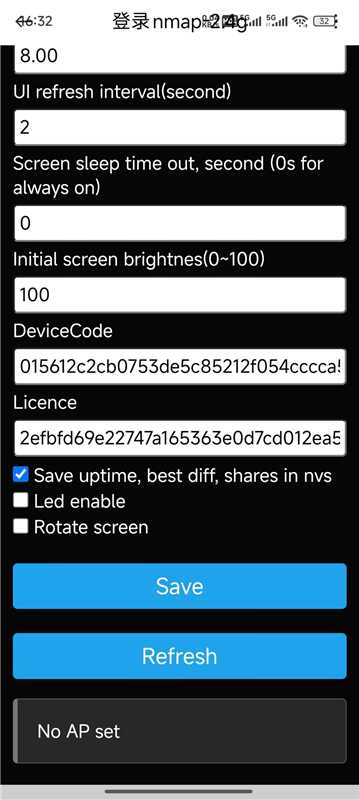
The NM Miner shows a blank screen after flashing with the NM Miner Software

Have you read our tutorials below? If not, please try following these two tutorials again.
We have a video tutorial available; please take a look:
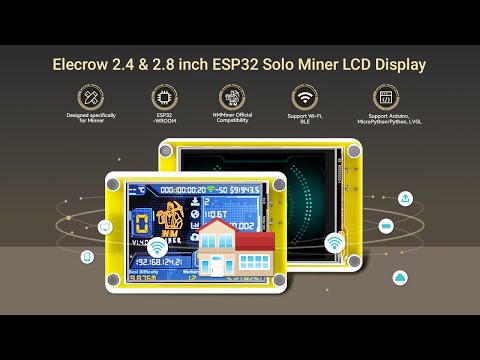
Additionally , Here's another tutorial: Please also take a look.
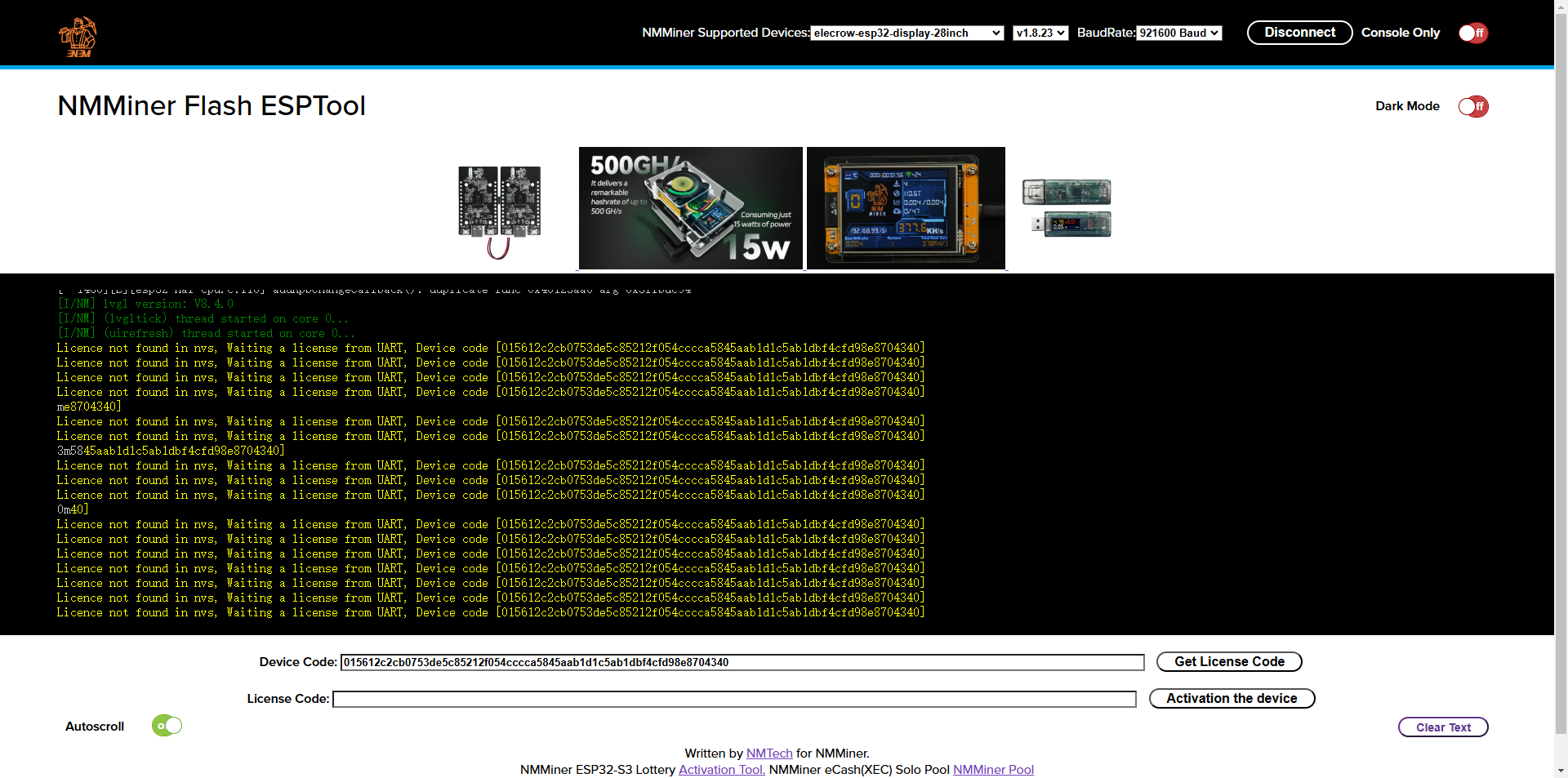
Enter https://flash.nmminer.com/ in your browser, select Firmware and BaudRate.
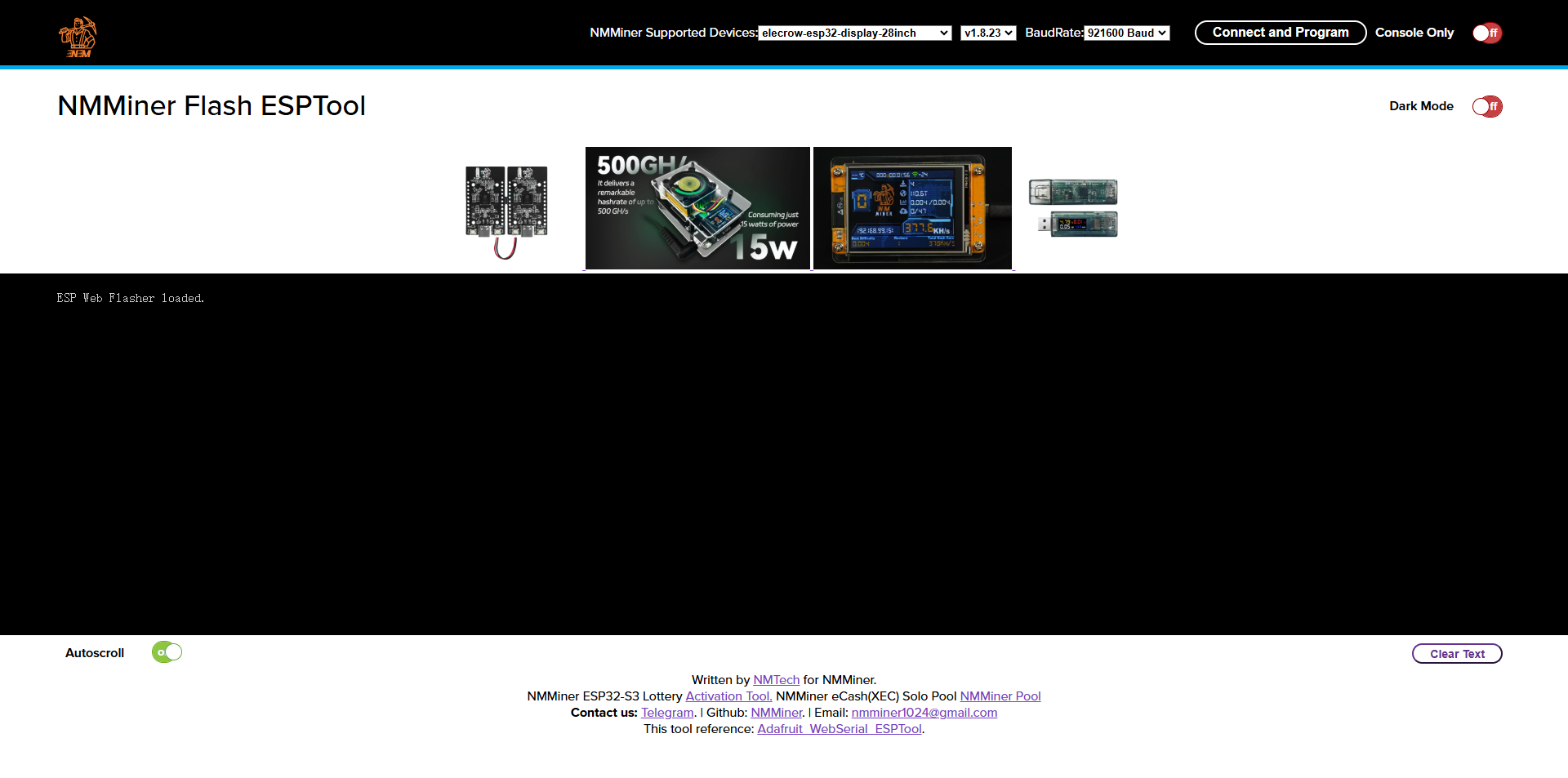
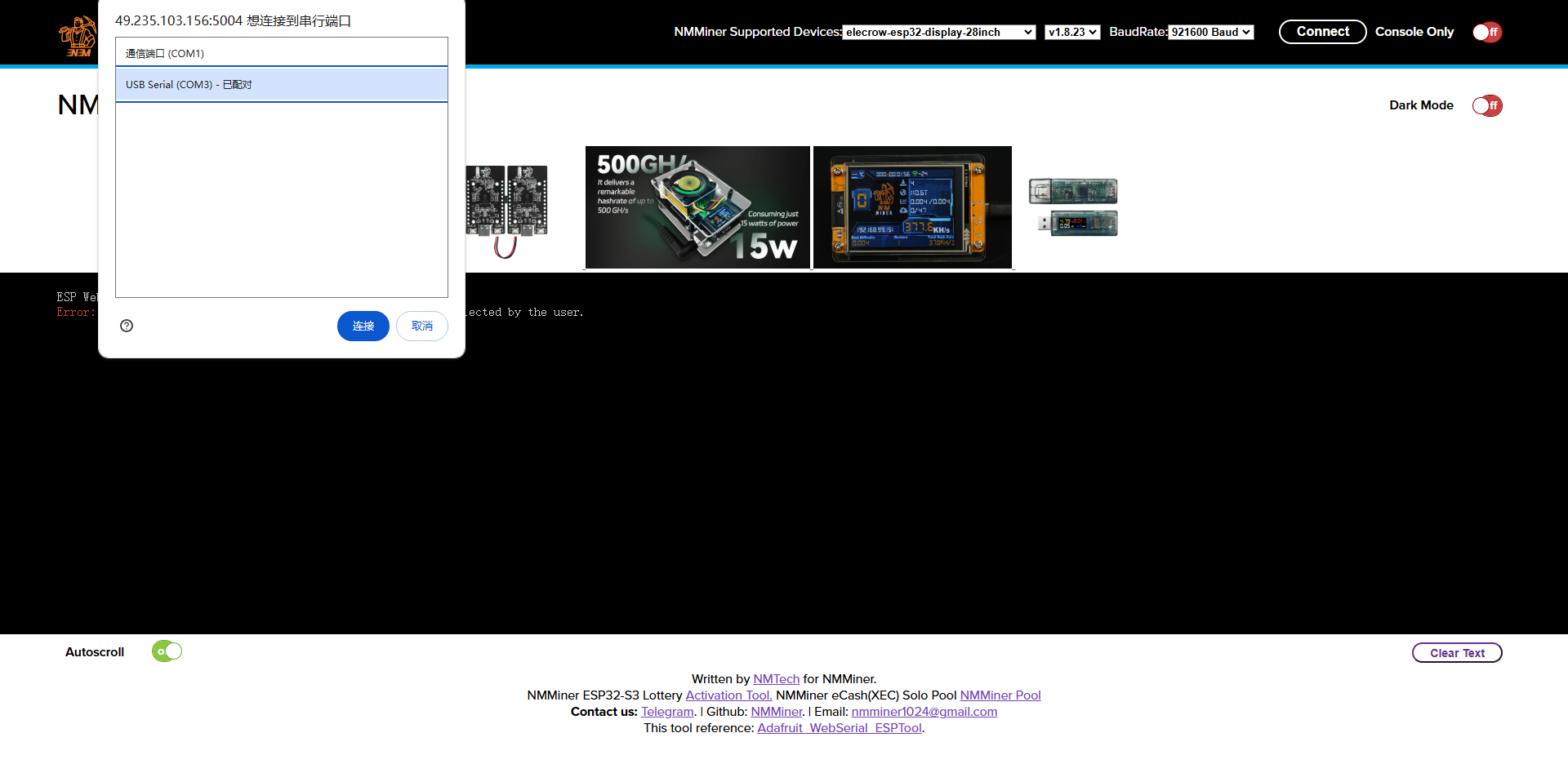
Insert the device, click Connect, and select the serial port to flash.
After flashing, click Get License Code.
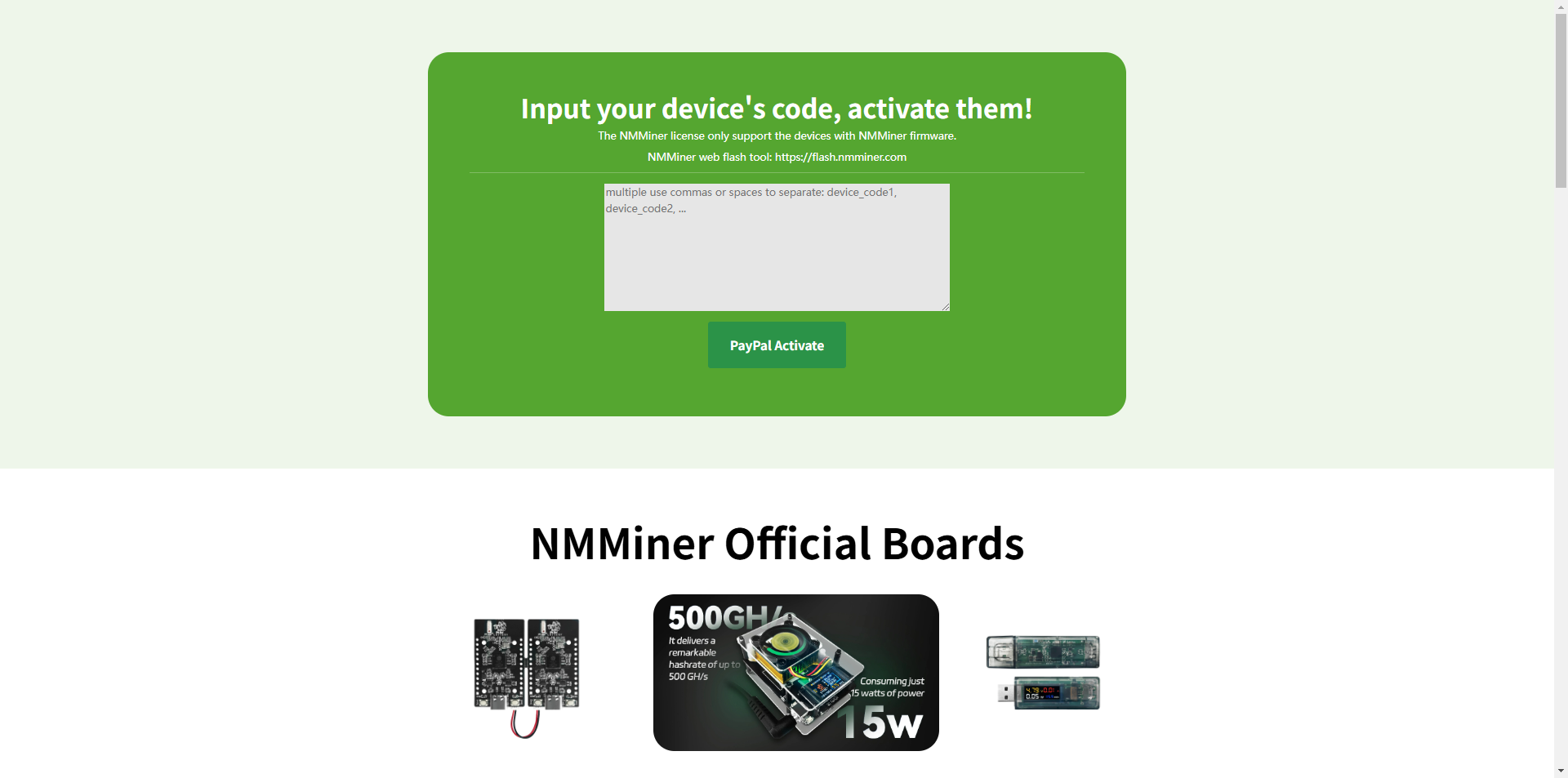
Click Paypal Activate. After payment, obtain the License Code.
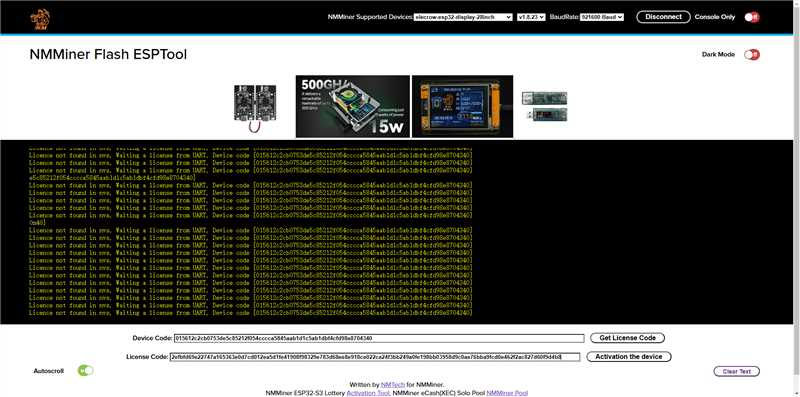
Enter the License Code and click Activation the device.
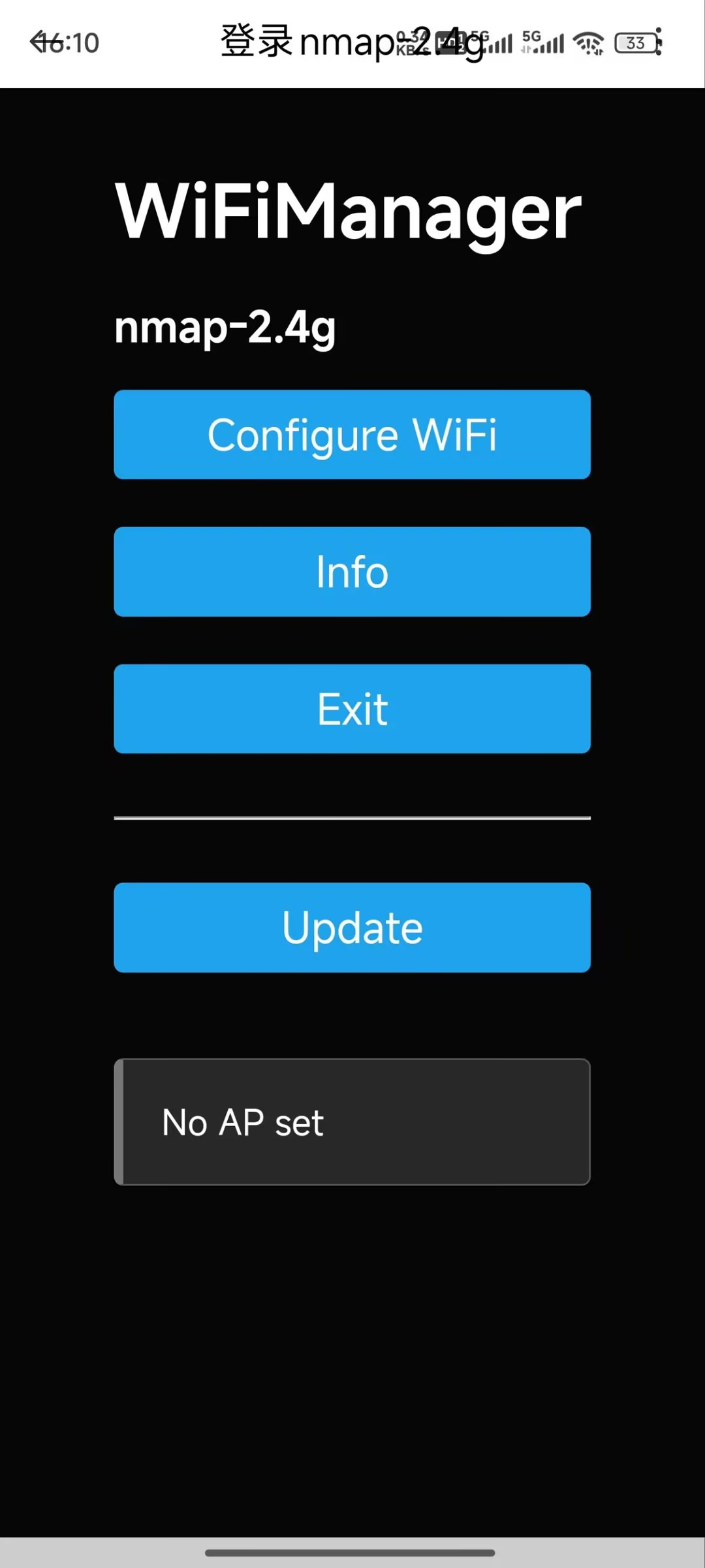
After activation, start configuring the network. Connect your phone to this hotspot.
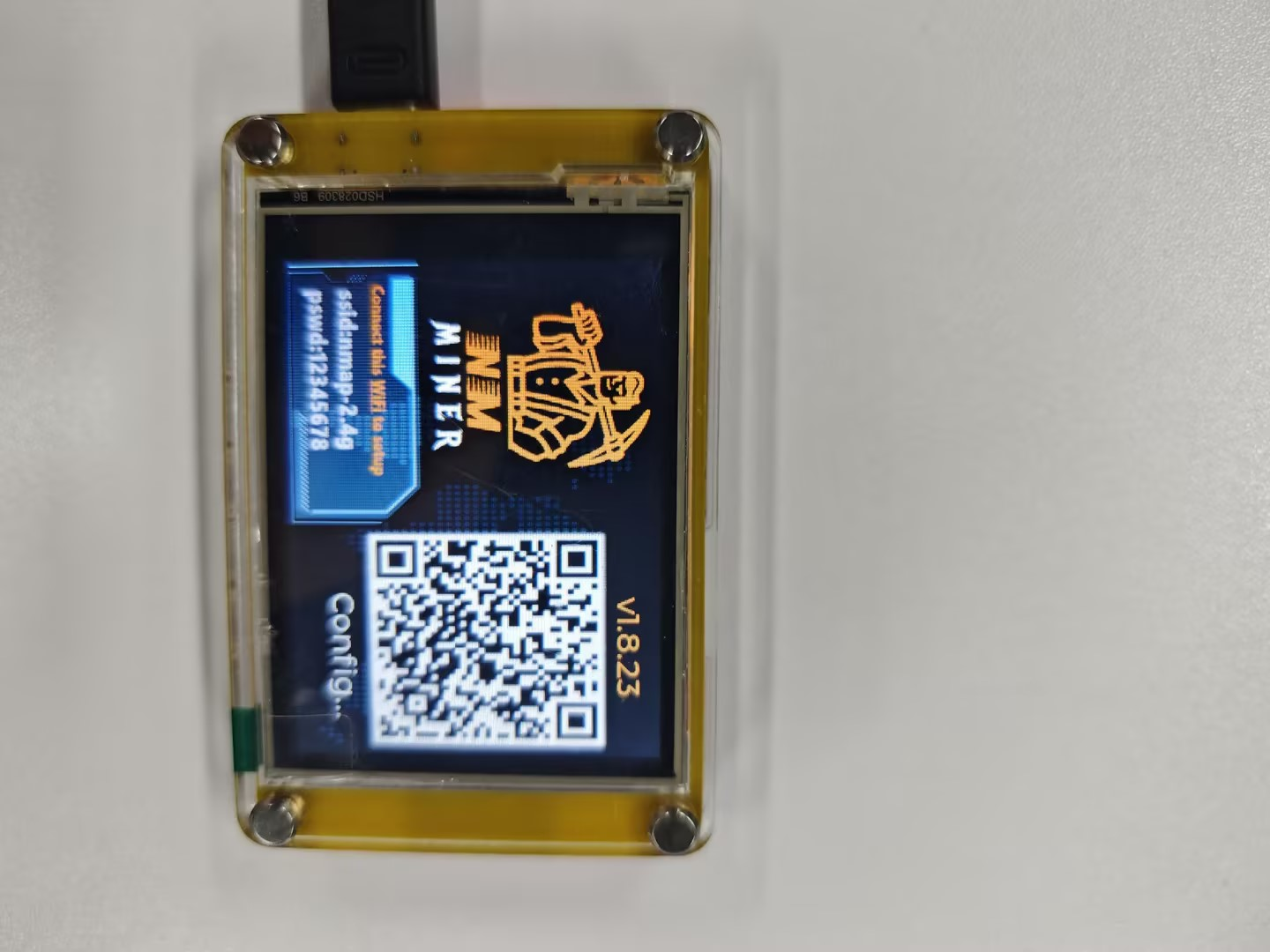
Click Configure WiFi.
Select your WiFi network and enter the WiFi password.
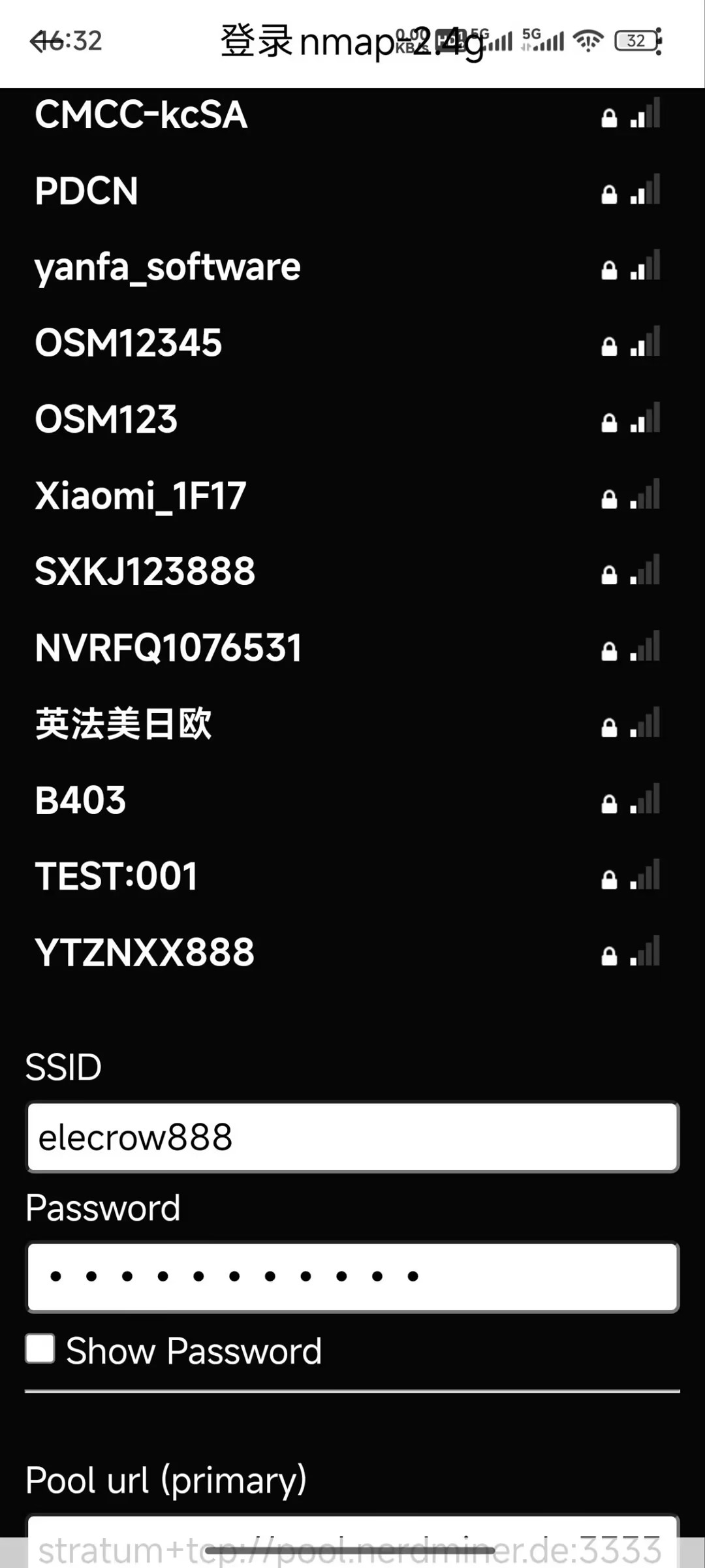
Click Save to complete the configuration.