

DHM05324D:need a device code. Where and how to locate? flash miner is asking for a miner pool ?

Question:
I purchased the 2.8" ESP 32 CYD two pack (DHM05324D ). There are zero instructions for how to set it up and start using it. From what I have found online, I need a device code. Where and how to locate? The flash miner is asking for a miner pool or default pool? How and where can I locate this information? Also, once it begins working, what do I need to do? How do I collect from the wallet address?
Answer:
We are Sorry, you'll need to develop codes yourself.
We have a video tutorial available; please take a look:
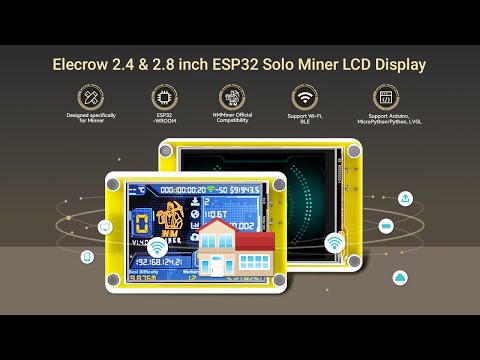
Additionally , Here's a tutorial: Please take a look.
- Enter https://flash.nmminer.com/ in your browser, select Firmware and BaudRate.
[Photo] [Photo]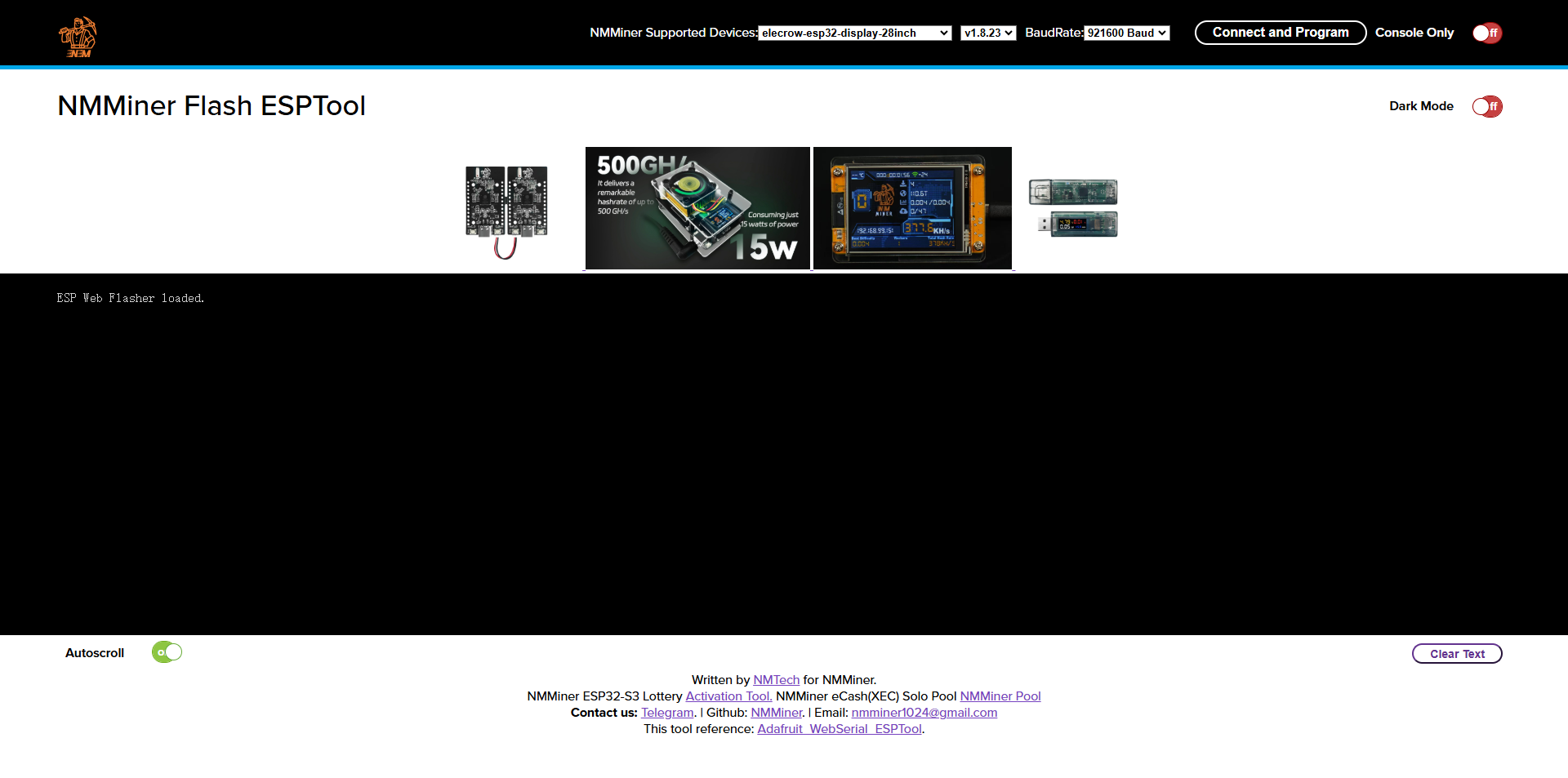
- Insert the device, click Connect, and select the serial port to flash.
[Photo][Photo]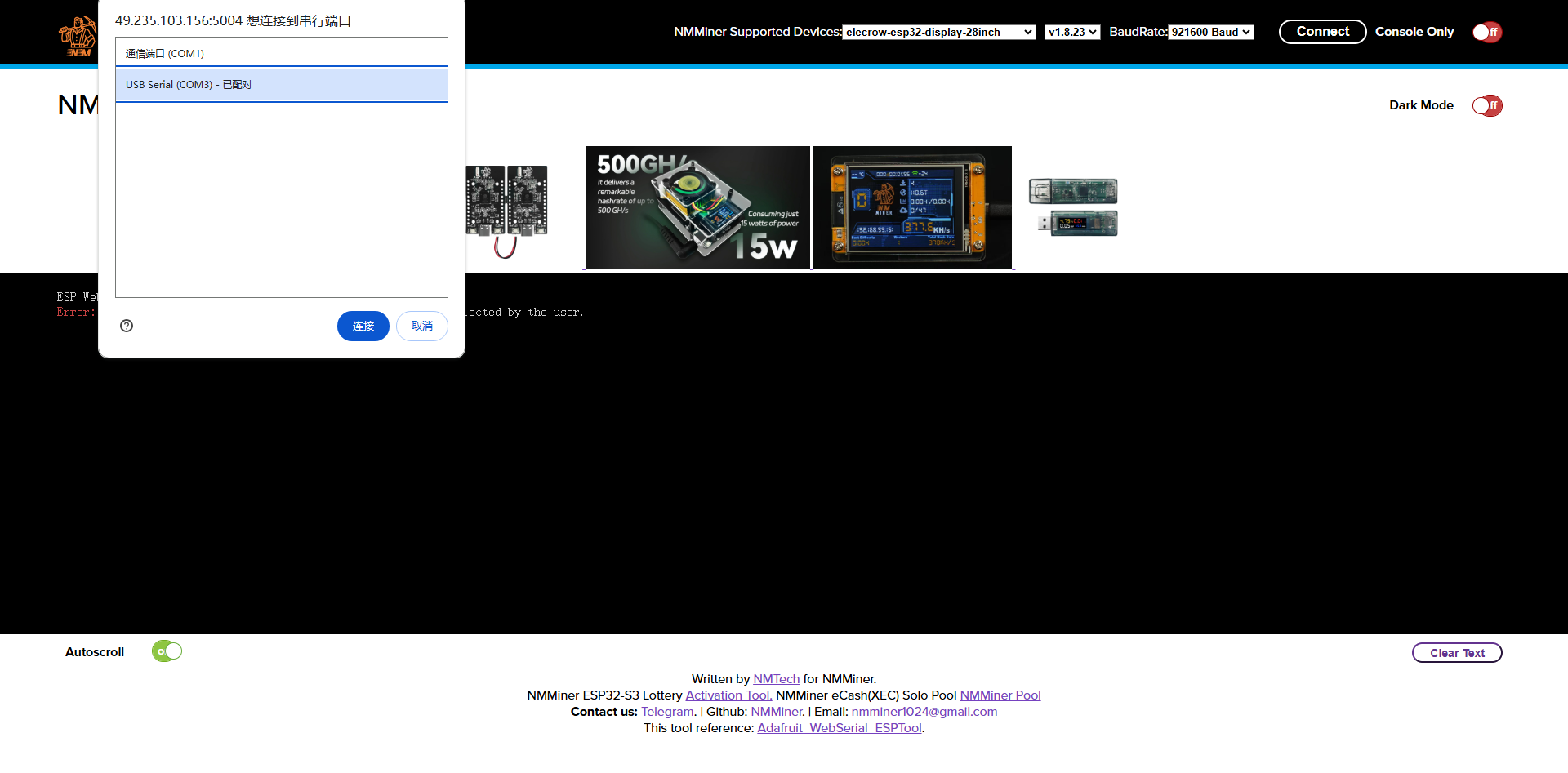
3. After flashing, click Get License Code.
[Photo] [Photo]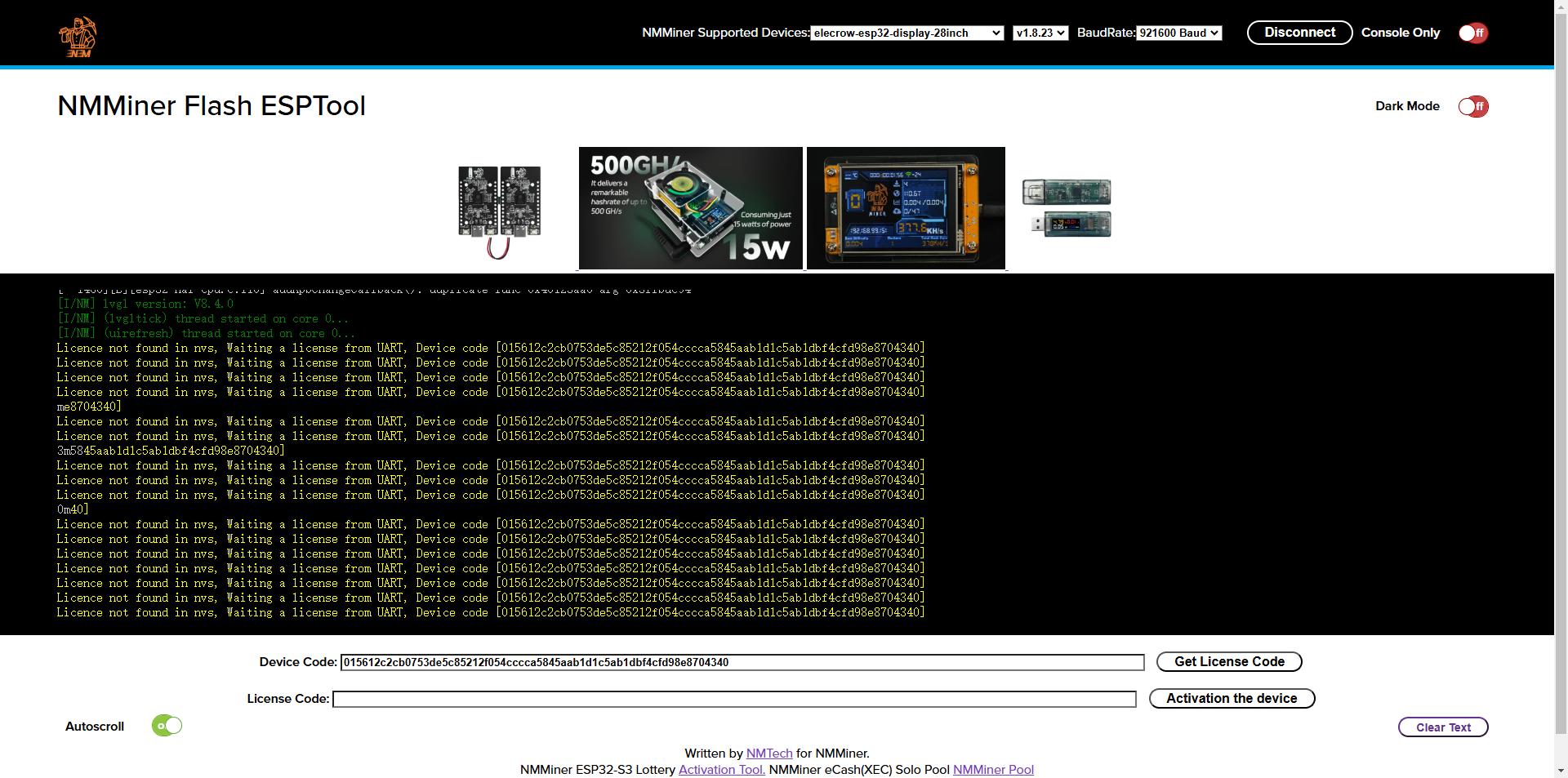
- Click Paypal Activate. After payment, obtain the License Code.
[Photo] [Photo]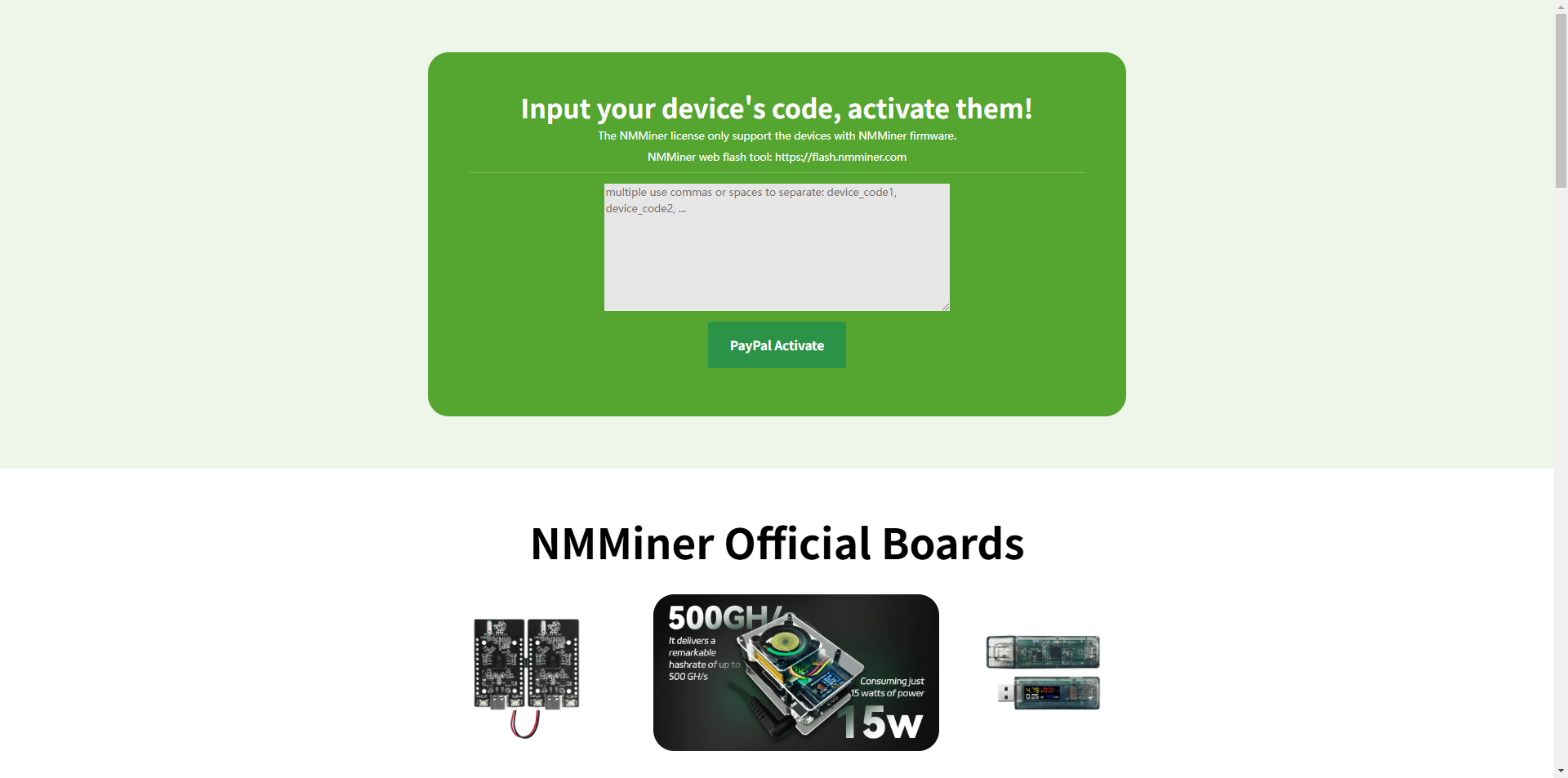
- Enter the License Code and click Activation the device.
[Photo][Photo]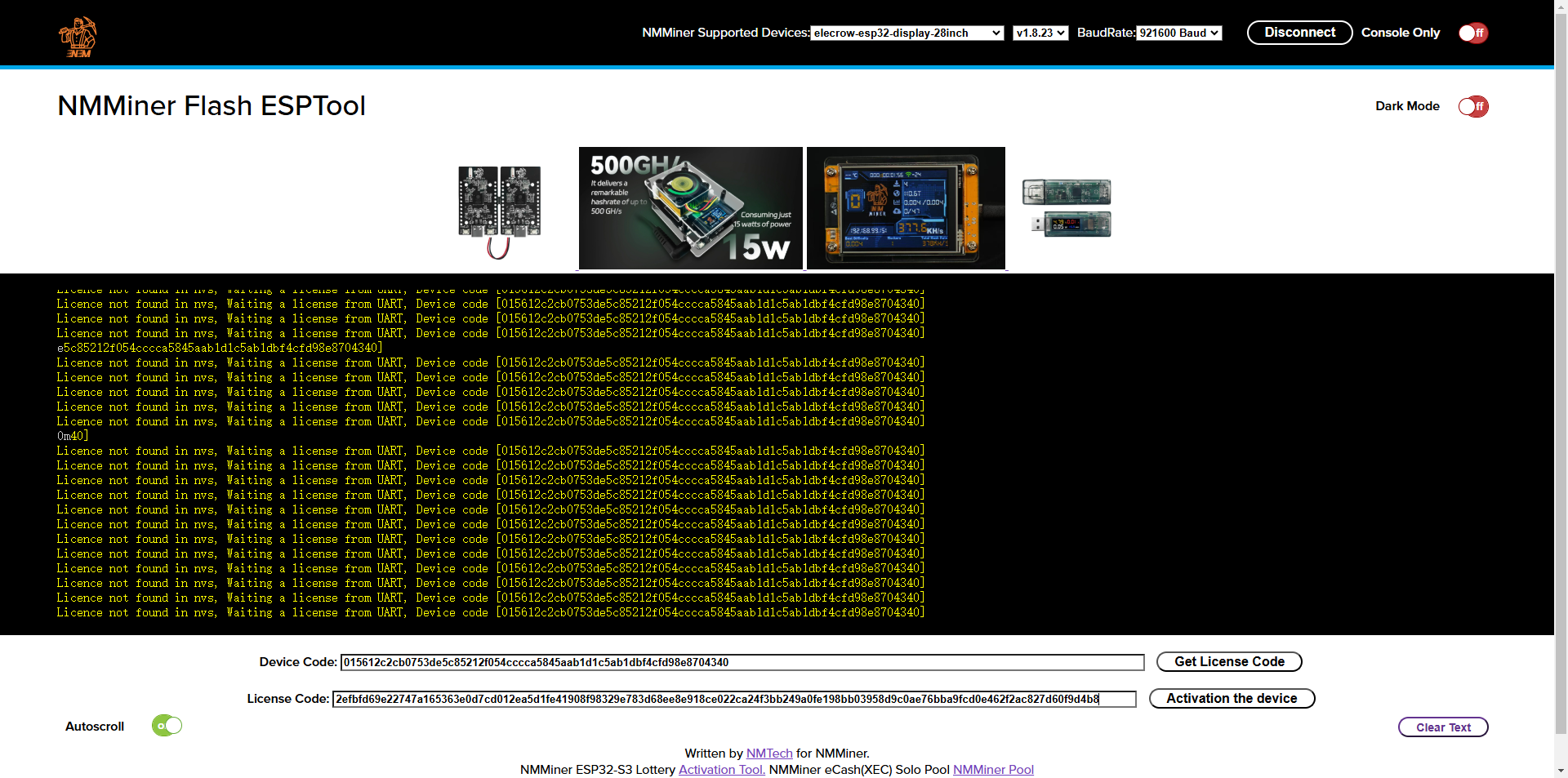
6. After activation, start configuring the network. Connect your phone to this hotspot.
[Photo] [Photo]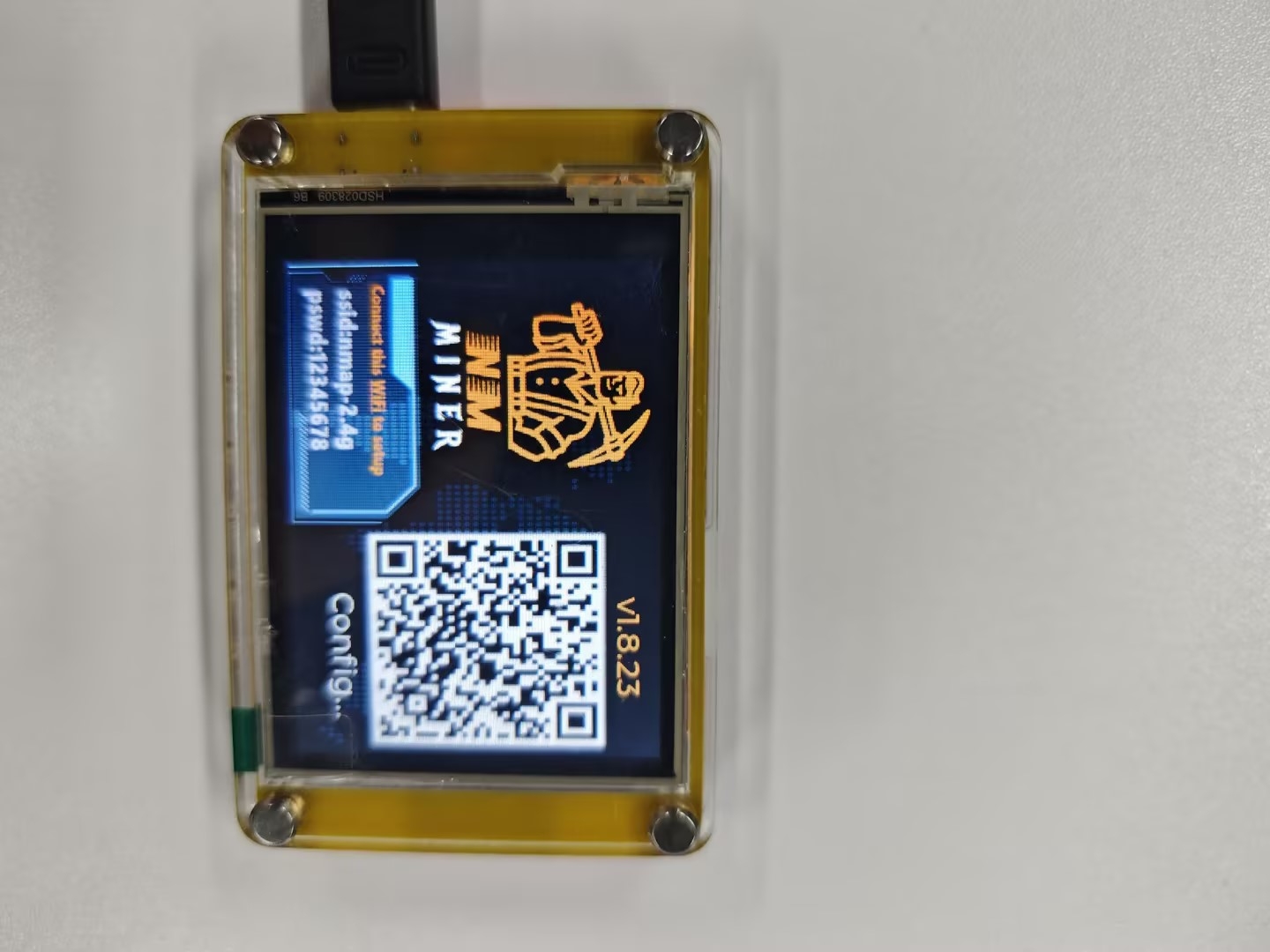
- Click Configure WiFi.
[Photo][Photo]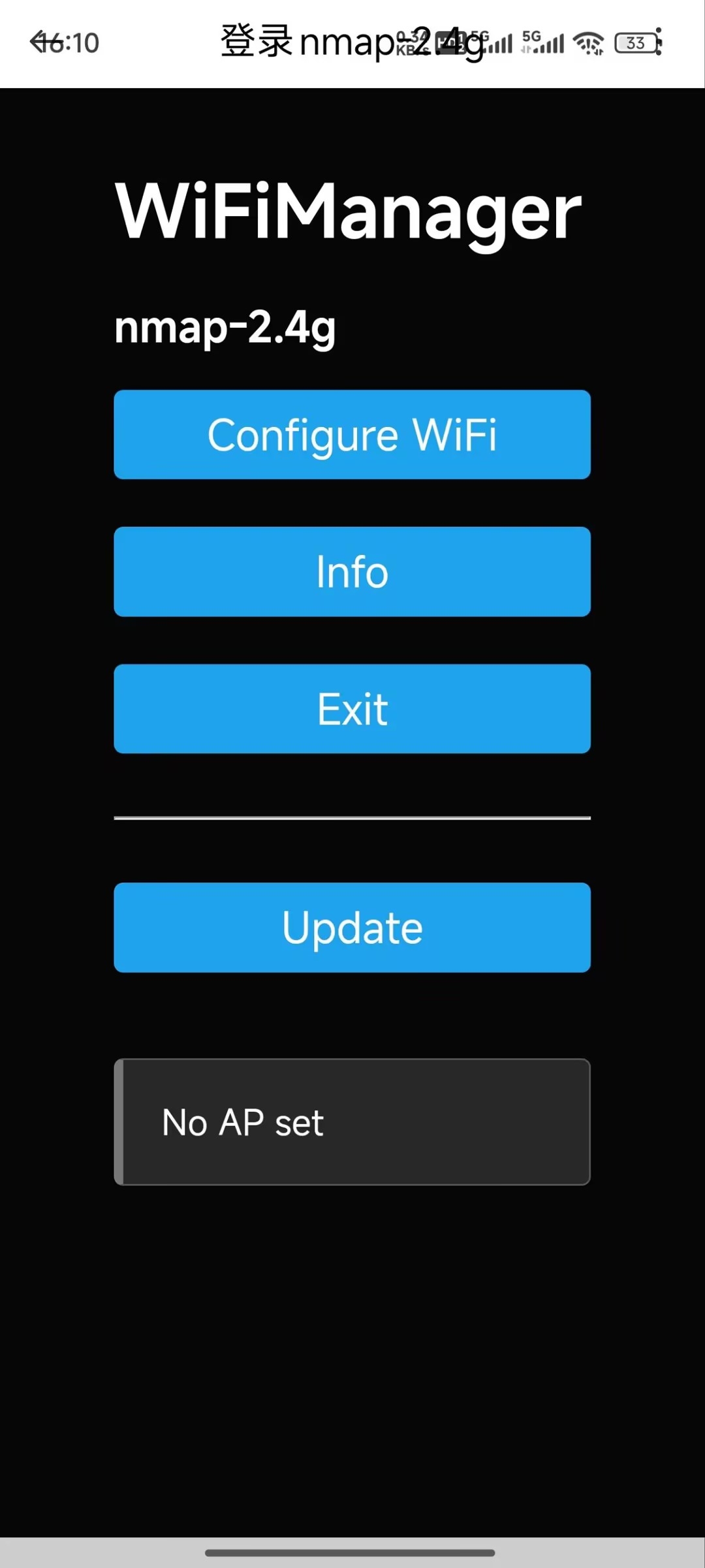
8. Select your WiFi network and enter the WiFi password.
[Photo] [Photo]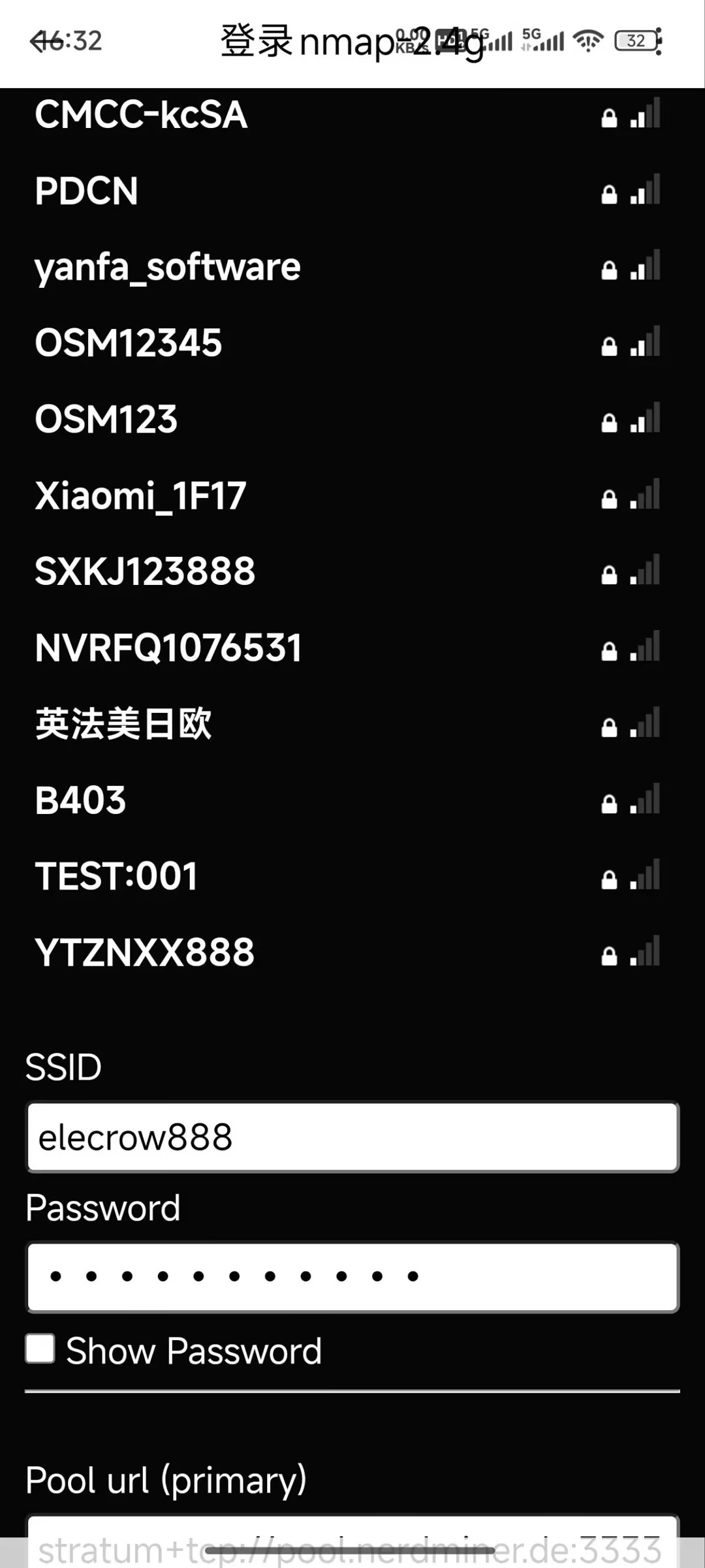
- Click Save to complete the configuration.
[Photo]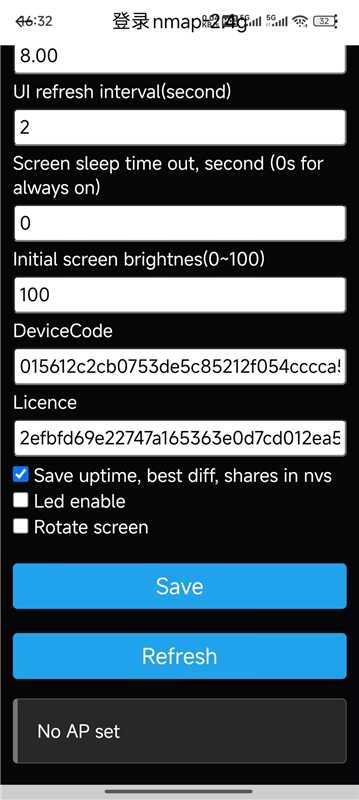
[Photo]